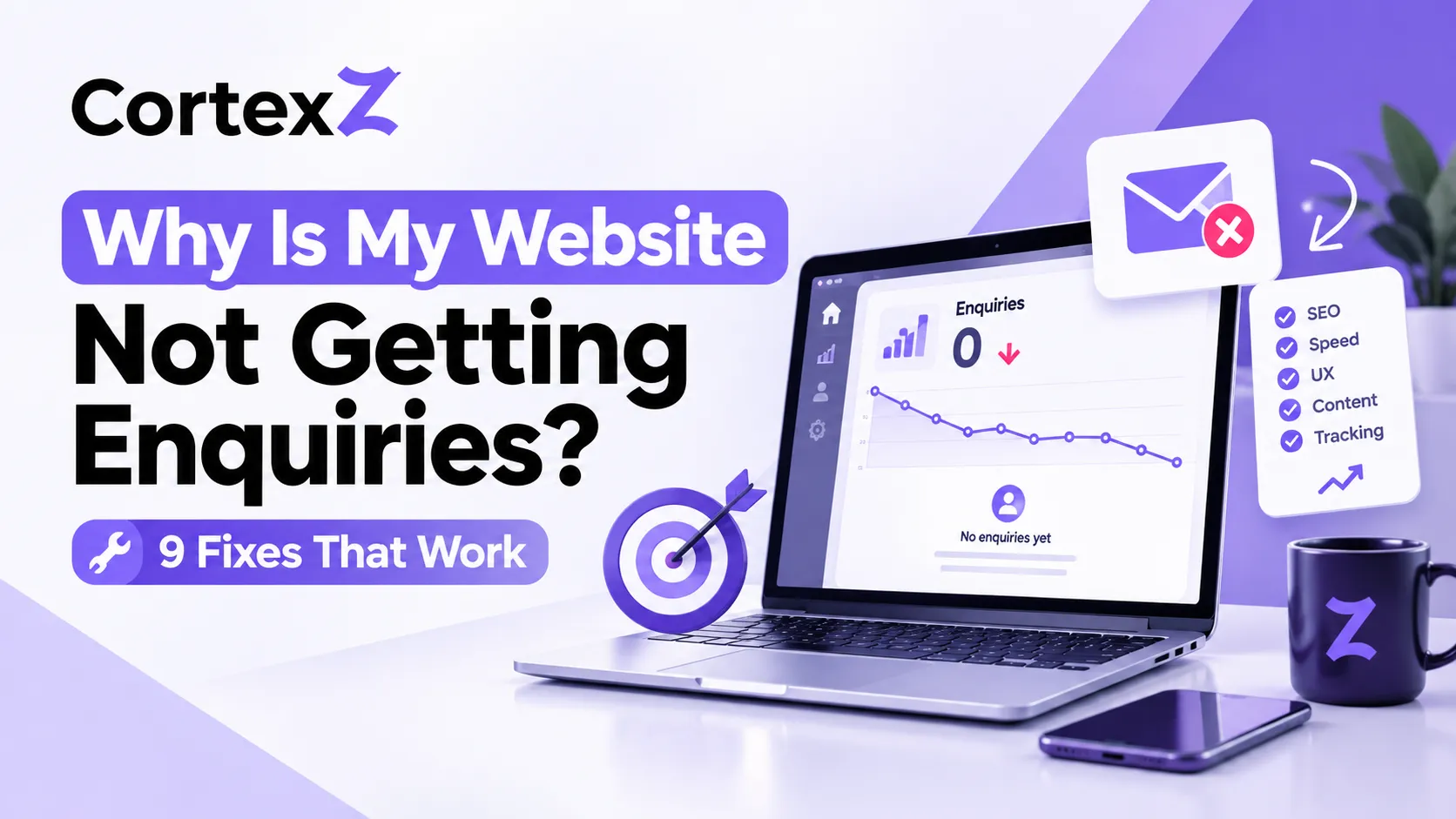
You paid for a website, it looks good, and the phone is silent. The inbox is empty. It’s frustrating, and you’re far from the only business owner in that position.
Most of the time, a website that isn’t generating leads has a handful of fixable problems, not one big mystery. Some stop people from finding you. Others stop visitors from getting in touch once they arrive.
Start by working out which problem you have:
- Few or no visitors: start with fixes 1 and 2.
- Plenty of visitors but no enquiries: jump to fixes 3 to 8.
- Not sure either way: go straight to fix 9.
1. Check whether people can actually find you
If your website is not showing on Google for the searches your customers use, enquiries won’t arrive, however good the site looks. Search your main service plus your area, such as “electrician near me” or your town’s name. If you’re nowhere on the first couple of pages, visibility is your problem.
Open Google Search Console and look at which searches already bring people to your site. If the list is short or irrelevant, you need a stronger foundation of technical fixes, better page content and local signals. That’s the work our SEO services cover, and if you serve a specific area, our location pages show where we work.
2. Make sure you’re attracting the right visitors
Traffic isn’t the same as customers. A website can get plenty of visits from people who were never going to buy, because the pages target the wrong phrases.
Check that your key pages match what a buyer would type: a service, a place, and a problem. “Our solutions” means little to a searcher, but “emergency boiler repair in Carlisle” tells them they’re in the right place. Our SEO for small business guide explains how to choose those phrases.
3. Say what you do in the first five seconds
Visitors decide quickly whether they’re in the right place. If your homepage opens with a vague slogan, many will leave without scrolling.
Your top headline should answer three questions straight away: what you do, who it’s for, and where. Under it, add one short sentence on why someone should choose you. If a stranger can’t explain your business after five seconds on your homepage, rewrite it.
4. Make your call to action impossible to miss
“Contact us” buried in the footer isn’t a call to action. Visitors who are ready to act shouldn’t have to hunt for how.
- Put a clear button above the fold, such as “Get a free quote” or “Book a call”.
- Repeat it after every major section.
- Use specific wording. “Get your free audit” beats “Submit”.
- Add a click-to-call button and a WhatsApp option for mobile visitors.
Good UI/UX design guides people towards one next step on every page.
5. Fix your contact form
Improving website contact form conversions is often the quickest win, and it’s also where enquiries quietly disappear. Check these:
- Does it work? Fill it in yourself, on a phone as well as a computer.
- Where do the emails go? Messages often land in spam or go to an old address nobody checks.
- Is it too long? Every extra field loses people. Name, email or phone, and a short message is usually enough.
- Is there a confirmation? A thank-you message tells the visitor it worked.
6. Add trust signals
People hesitate to contact a business they can’t judge. Trust signals on a small business website do much of the persuading for you:
- Real customer reviews with names
- Case studies with real numbers
- Logos of clients you’ve worked with
- Accreditations and memberships
- A real UK address, phone number and photos of your actual team
- A visible privacy policy
If you’ve delivered strong results, show them. Our own homepage features a case study on how a UK home services business grew leads by 340% in five months, because proof persuades better than claims.
7. Speed up your pages and fix them on mobile
Slow pages lose visitors before they’ve read a word. A site that takes more than a few seconds to load, or is awkward to use on a phone, sends people straight back to the search results.
View your site on your own phone. Can you read the text without zooming? Are the buttons easy to tap? Do pages load quickly on mobile data? Test your speed for free with Google PageSpeed Insights. Heavy images, outdated plugins, and bloated code are the usual causes, and a web development clean-up can solve them.
8. Match your landing pages to what people clicked
If you run ads or promote a particular service, the page people land on matters as much as the ad. Landing page best practices come down to one idea: one page, one goal.
Someone who clicks an ad for “emergency plumber” should land on a page about emergency plumbing, not your homepage. Remove distractions, repeat the promise from the ad in the headline, and keep one clear call to action. Our digital marketing team builds campaigns and landing pages together for this reason.
9. Track your enquiries properly
Many sites do get enquiries that never get counted, such as phone calls, WhatsApp clicks and form submissions. Without tracking, you can’t tell what’s working.
Set up Google Analytics 4 to record the actions that matter by marking them as key events: form submissions, calls and WhatsApp clicks. Then you can see which pages produce enquiries and where visitors drop off. Without that data, fixing a site is guesswork.
What is a good website conversion rate?
Many business websites convert somewhere around 2 to 5% of visitors into enquiries, but it varies a lot by industry, price point and traffic source. A specialist service with a high-value job will convert differently from a shop selling low-cost items.
What matters most is your own trend. If your rate is improving month on month, your changes are working. If it’s flat, run a simple UX audit: walk through your site as a first-time customer and note every point of confusion.
When to call a professional
You can handle many of these fixes yourself, but it’s worth getting help when:
- You’ve tried the basics and still get no enquiries
- You can’t tell whether the problem is visibility, design or tracking
- Your site is old, slow or built in a way that’s hard to change
- You’d rather spend your time running the business than debugging your website
At CortexZ we start with a technical audit, competitor review and user intent mapping, so we know what’s holding your site back before we change anything.
FAQs
Why is my website getting traffic but no enquiries?
Usually the visitors aren’t the right audience, or the site doesn’t make it easy or trustworthy enough to get in touch. Check your headline, call to action, contact form, and trust signals first.
How long does it take to start getting enquiries?
Fixes to forms, calls to action, and page speed can show results within weeks. Improvements that come from search rankings typically take several months to build.
Will a new website solve the problem?
Not necessarily. If the real problem is visibility or tracking, a redesign alone won’t fix it. Find out what’s actually going wrong before you rebuild.
Does my website need SEO to get enquiries?
If you rely on Google to bring customers, yes. A site that isn’t found won’t receive enquiries, however well it’s designed.
Want us to find out why your website isn’t getting enquiries?
Claim your Free Growth Audit. We’ll review your site, show you what’s holding it back, and tell you what to fix first, with no obligation. Message us on WhatsApp or contact our team today.