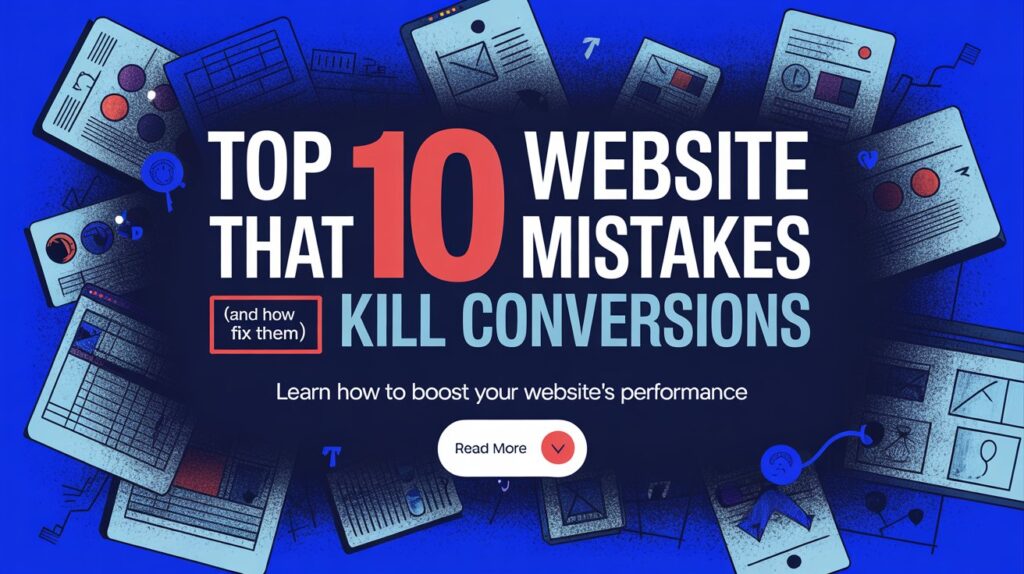
A business website is often the first impression potential customers have of your brand. However, even a visually appealing site can fail to convert visitors into leads or sales if it contains common performance, design, or content flaws. To help businesses maximize their conversion potential, we’ve identified the top 10 website mistakes that harm user experience and how to fix each one effectively.
1. Slow Page Loading Speed
When a website takes more than three seconds to load, users tend to abandon it. Slow pages not only frustrate visitors but also reduce search engine rankings.
How to Fix:
Optimize image sizes, enable browser caching, and use a reliable hosting service. Regularly test your site’s speed using tools like Google PageSpeed Insights to maintain fast performance.
2. Unclear Call-to-Actions (CTAs)
Visitors should instantly know what action to take, whether it’s “Buy Now,” “Contact Us,” or “Sign Up.” Vague or hidden CTAs confuse users and lower conversions.
How to Fix:
Use concise, action-driven phrases. Place CTAs in visible areas with contrasting colors and ensure they appear throughout the user journey.
3. Poor Mobile Optimization
With mobile devices generating most web traffic, a non-responsive design drives users away. If your site doesn’t adapt to smaller screens, you risk losing valuable leads.
How to Fix:
Implement responsive web design and test your site on multiple devices. Focus on mobile-friendly navigation, touch buttons, and simplified layouts.
4. Cluttered Layout and Overwhelming Design
Too many visuals, fonts, or colors can overwhelm visitors. A cluttered interface distracts from key messages and discourages conversions.
How to Fix:
Adopt a minimalist approach. Use white space strategically, maintain brand consistency, and highlight essential content and CTAs clearly.
5. Weak or Missing Value Proposition
If visitors don’t immediately understand what makes your business unique, they’ll leave. A missing or unclear value proposition fails to convince users to take action.
How to Fix:
Clearly state what sets your brand apart within the first few seconds of landing on the page. Use a headline that communicates benefits, not just features.
6. Difficult Navigation
Confusing menus and excessive links can frustrate visitors and make it hard to find information. This leads to high bounce rates and lower engagement.
How to Fix:
Organize content logically with clear categories. Keep menus simple, use breadcrumb trails, and ensure key pages are easily accessible from the homepage.
7. Lack of Trust Elements
Without visible trust signals, users hesitate to share personal details or make purchases. Missing testimonials, reviews, or security badges can damage credibility.
How to Fix:
Display customer testimonials, trust badges, and secure payment icons. Include an SSL certificate and highlight privacy policies to reassure visitors.
8. Poor Quality or Generic Content
Outdated, duplicated, or irrelevant content reduces engagement and harms SEO. Generic messaging prevents your brand from standing out.
How to Fix:
Publish fresh, valuable, and well-researched content regularly. Address customer pain points, use original visuals, and optimize for targeted keywords.
9. Ignoring Analytics and User Behavior
Not tracking user data means missed opportunities for improvement. Businesses that ignore analytics can’t identify what’s working or failing.
How to Fix:
Use tools like Google Analytics and Hotjar to analyze traffic, bounce rates, and heatmaps. Adjust your strategy based on real user data.
10. Complicated Checkout or Contact Process
A lengthy checkout or contact form leads to cart abandonment or lost leads. The more steps users must take, the less likely they are to complete them.
How to Fix:
Simplify forms, reduce required fields, and offer guest checkout options. Provide multiple payment methods and clear progress indicators to enhance trust and ease.
Conclusion
Even small website mistakes can have a massive impact on conversions. By addressing issues like slow loading speed, unclear CTAs, or poor navigation, businesses can enhance user experience, build trust, and boost conversion rates. A well-optimized website not only attracts visitors but also turns them into loyal customers, a key step toward long-term growth.
FAQs
1. What is the most common mistake that reduces website conversions?
Slow loading speed and unclear CTAs are the most common issues that cause users to leave before taking action.
2. How can businesses identify conversion-killing mistakes?
Regularly review analytics, conduct A/B tests, and gather customer feedback to pinpoint performance and usability problems.
3. Why is mobile optimization critical for conversions?
Most users browse through mobile devices; without a responsive design, your site may lose potential leads and damage SEO.
4. How often should a website be tested or updated?
Websites should be reviewed quarterly for speed, design, content freshness, and usability improvements.
5. Can design alone improve conversions?
Design influences first impressions, but a strong value proposition, trust elements, and smooth navigation are equally essential.