You can write great content, but if Google can’t find it, or can’t tell how your pages relate to each other, it won’t rank as well as it should. Internal links are one of the simplest and cheapest ways to fix that, and they’re completely under your control.
This guide shows you how to build an internal linking strategy for SEO, step by step. You’ll learn which pages to link, how to write good link text, and what mistakes to avoid. If you’re new to SEO, Google’s SEO Starter Guide is a useful companion.
What is internal linking?
Internal linking means linking from one page on your website to another page on the same website. Your menu, footer, blog posts, and “related services” boxes are all internal links.
It’s different from link building, which is about earning links from other websites to yours. Internal links are the ones you add yourself, so you don’t need anyone’s permission.
Why internal linking matters for SEO
It helps Google find your pages
Google discovers pages by following links. A page that nothing links to is hard to find, and Google may treat it as unimportant. Linking pages together helps search engines crawl your whole site.
It helps share ranking strength
Pages with strong rankings and backlinks can pass some of that strength to the pages they link to. A well-linked blog post that already gets traffic can give a service page a real boost.
It shows Google what each page is about
The visible text of a link, called anchor text, tells Google what the linked page covers. Descriptive anchor text builds a clear picture of your site’s topics, which supports topical authority in SEO.
It keeps visitors moving
Good internal links lead readers to the next helpful page, such as from a blog post to a service page. That means more time on your site and more chances to enquire.
Build your internal linking strategy: step by step
Step 1: Map your site structure
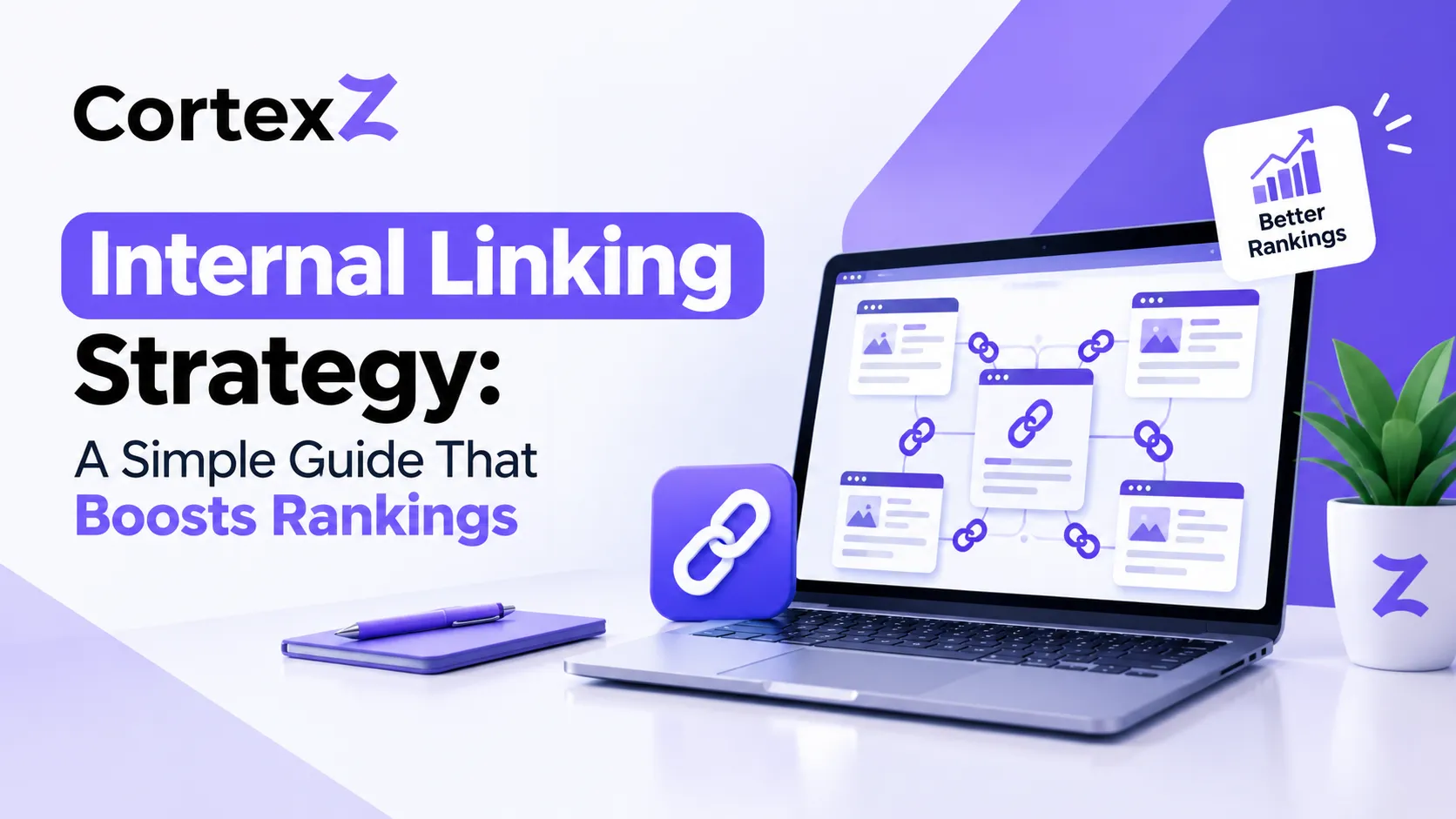
Group your content into topics. For each topic, choose one main page, called a pillar page, and link it to the more detailed pages in that topic, called cluster pages. The cluster pages link back to the pillar. This “hub and spoke” setup makes your structure easy for people and search engines to follow.
For example, a pillar page on “SEO for small businesses” could link to posts on local SEO, Google Business Profile, and how long SEO takes.
Step 2: Choose your priority pages
List the pages that bring in enquiries: your main service pages, location pages, and key landing pages. These are the pages that should receive the most internal links. Everything else on your site should help lead people to them.
Step 3: Find orphan pages and weak spots
An orphan page is a page with no internal links pointing to it. Crawl your site with a tool such as Screaming Frog and compare the results with your XML sitemap. Pages that appear in the sitemap but can’t be reached by following links are orphans.
Also open the Links report in Google Search Console to see which of your pages get the most internal links, and which get very few. If an important service page is near the bottom of that list, you’ve found a quick win. If you’re new to the tool, our SEO for small business guide explains how to read Search Console.
Step 4: Add contextual links from relevant pages
Links placed naturally inside your page content, called contextual links, usually carry more meaning than links in your menu or footer, because the surrounding text explains why the link matters.
Here’s a practical rule of thumb (not a Google requirement) for every new blog post:
- Link out from the new post to a pillar page, two or three related posts, and one relevant service page
- Link in to the new post from at least two older, relevant pages
That second step is the one people forget. It’s also a good time to update old blog posts for SEO, since you’re adding fresh value to pages that already have some authority.
Step 5: Write good anchor text
Google’s own guidance says anchor text should be descriptive, reasonably concise, and relevant to both the page it’s on and the page it links to. Avoid generic phrases like “click here”, and don’t force keywords in. If it feels stuffed, it probably is.
Step 6: Fix broken links and redirect chains
Broken links send visitors and search engines to dead ends. Redirect chains slow things down. Find them with a crawl, update the links to point straight to the final page, and remove any that no longer make sense. This is also a good moment to check that your URLs are tidy, because an SEO-friendly URL structure makes links easier to manage.
Step 7: Make it a habit
Internal linking isn’t a one-off job. Add links whenever you publish, and run a content audit for SEO every few months to spot new orphan pages, outdated links, and gaps.
Good vs weak anchor text
| Weak anchor text | Better anchor text | Why it’s better |
| click here | our local SEO services | Tells people and Google what the page is about |
| read more | how to choose an SEO agency | Describes the destination |
| this page | website redesign checklist | Gives context before the click |
| best seo agency cheap seo services uk | SEO services for small businesses | Reads naturally, with no keyword stuffing |
Internal linking for local and service businesses
If you serve several towns or offer several services, your structure matters even more.
- Create a locations hub page that links to every city page, such as our locations page
- Link each location page to your main service page, and the service page back to the locations
- Link blog posts about a town or service to the matching service or location page
- Don’t just dump dozens of location links into the footer. Place them where they make sense, so each link has context
This builds a clear map of what you offer and where, and it supports your SEO services pages as the main targets.
Common internal linking mistakes
- Orphan pages that nothing links to
- Linking only from the menu or footer, with no links inside page content
- Using the same exact keyword as anchor text everywhere, which looks forced
- Vague anchor text, such as “click here” or “learn more”
- Linking everything to the homepage, instead of to the pages that earn enquiries
- Burying important pages many clicks deep. A common rule of thumb is to keep key pages within three clicks of the homepage
- Links that only work with JavaScript, which search engines may not follow. Use normal link elements
- Broken links and long redirect chains
- Stacking several links in a row, which makes each one harder to read and loses the context around it
Internal linking checklist
- Every important page has at least one internal link pointing to it
- Your pillar pages link to their cluster pages, and the cluster pages link back
- Your main service and location pages get the most links
- Anchor text is descriptive and varied
- Every new post links out to relevant pages and gets linked to from older ones
- No orphan pages appear in your XML sitemap
- Broken links are fixed, and redirects are cleaned up
- Links use proper link elements that search engines can follow
- You review your links every few months
When to call a professional
You can do a basic internal linking clean-up yourself. It’s worth getting help when:
- Your site has hundreds of pages, and you can’t tell what links to what
- Important pages aren’t ranking, and you don’t know why
- You’ve recently rebuilt or migrated your website
- Your pages are built in a way that makes links hard to change
- You want a full structure and content plan, not just a few extra links
At CortexZ, our technical audits include a review of your site structure and internal links, so we can show you exactly where authority is being wasted. It sits alongside our web development work, where we build clean structures from the start.
FAQs
How many internal links should a page have?
Google doesn’t set a number. Add a link wherever it genuinely helps the reader. For a typical blog post, a handful of relevant links is a sensible starting point. Quality and relevance matter far more than count.
Should internal links be nofollow?
No. Leave internal links as normal links, so search engines can follow them and share authority across your site.
Is internal linking the same as link building?
No. Internal linking connects pages on your own website, while link building means earning links from other websites to yours. You need both, but internal linking is the quicker one to fix.
How long does internal linking take to improve rankings?
Google has to recrawl and reassess your pages, so changes can take weeks to show. Results vary depending on the size of your site and how competitive your topic is.
Can too many internal links hurt SEO?
Spammy or irrelevant links can make your content harder to read and weaken your anchor text. There’s no penalty for linking naturally, but if links feel forced, remove them.
Want us to review your site’s internal linking?
Claim your Free Growth Audit. We’ll look at your site structure, find orphan pages and missed opportunities, and tell you what to fix first, with no obligation. Message us on WhatsApp or contact our team today.